CURRENT EDITION

USB-C Docking Station

MARKET NOTE

Do not buy a dock by port count alone. First match the host: USB-C Alt Mode/MST is cheap and driverless but weak on macOS multi-display; DisplayLink solves monitor-count limits but adds drivers, compression and DRM/video caveats; TB4/USB4 is the safest pro baseline; TB5 only pays off with TB5 hosts, fast storage, 10GbE or very high-res displays. Honest prices today: ~$100–170 for good budget USB-C

EDITION 01RESEARCHED 2026-07-1415 SOURCESREFRESH DUE 2027-01

7 PRODUCTS · RANKED

House weights favor construction, performance, and value.

Current top recommendation: Anker Anker Prime 14-in-1 Triple Display DisplayLink Docking Station.

  1. 01

    $300

    Anker Anker Prime 14-in-1 Triple Display DisplayLink Docking Station — USB-C Docking Station

    Anker

    Top Pick

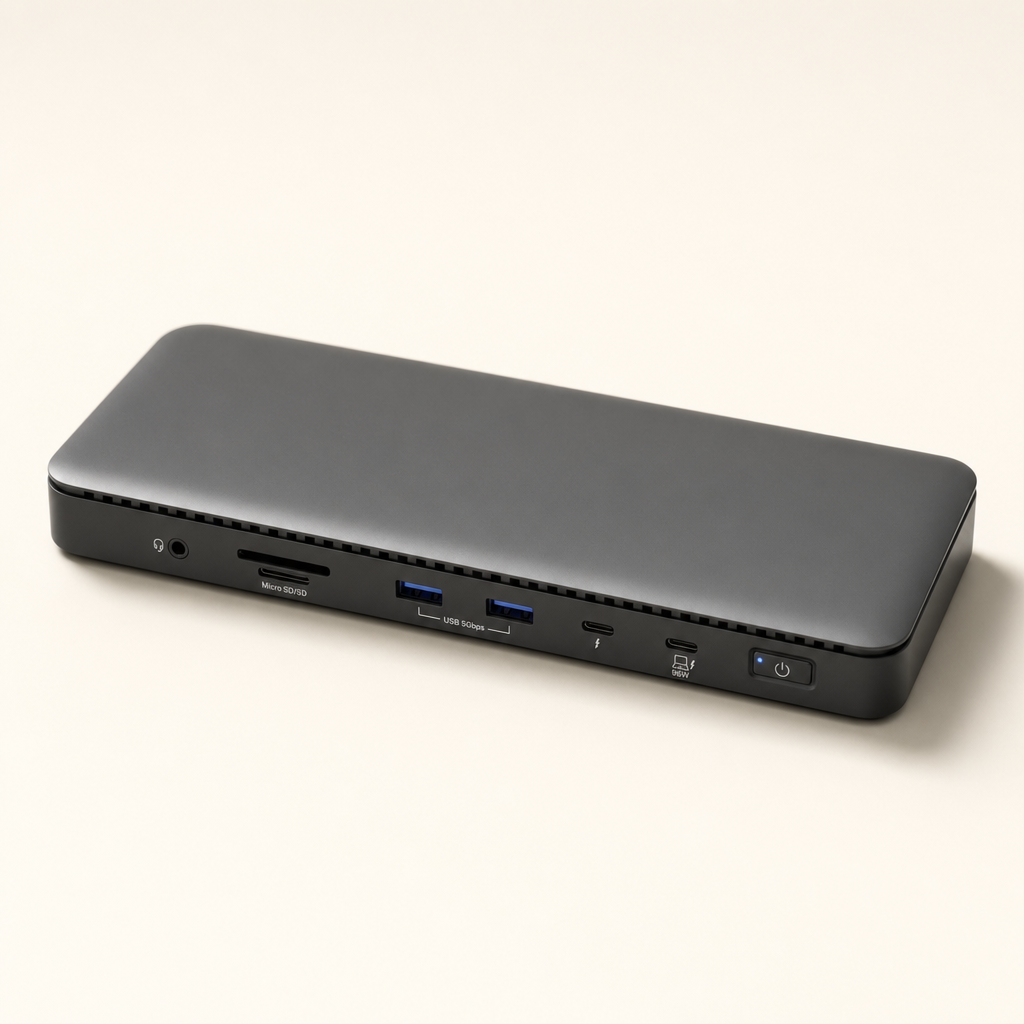
    Anker Prime 14-in-1 Triple Display DisplayLink Docking Station

    Teardown confirms a Synaptics DL-7400 chip and SUNON fan actively cooling the GaN power stage. 140W PD and a front status display solve triple-monitor Mac setups, though DisplayLink adds driver overhead.

    The price is backed by teardown-visible GaN power electronics, Synaptics DL-7400, active cooling, 140W PD 3.1 and 2.5GbE—not just a pretty shell. It is less honest for users who need native 40Gbps TB storage or HDCP streaming on external displays.

    Full review
  2. 02

    $300

    OWC OWC Thunderbolt Go Dock — USB-C Docking Station

    OWC

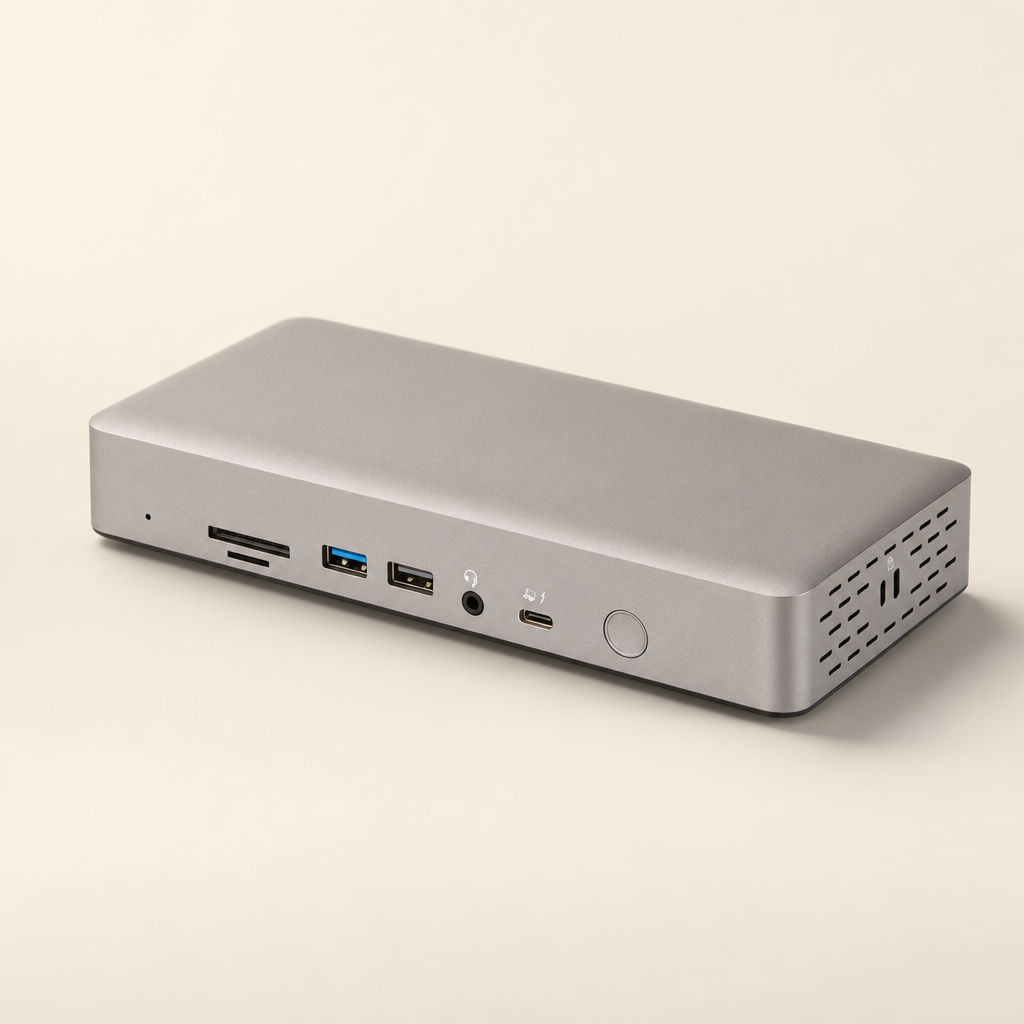
    OWC Thunderbolt Go Dock

    No external brick: the power supply lives inside this fanless aluminum TB4 dock. 90W charging, 2.5GbE, and reviewers report rock-solid wake behavior across TB3/TB4/USB4 hosts.

    Its cost is justified by rare integration: no external power brick, fanless aluminum thermal design, 90W PD, 2.5GbE and a useful TB4 port mix. That is real engineering and ergonomic value, not just aesthetics.

    Full review
  3. 03

    $170

    Belkin Belkin Connect USB-C 11-in-1 Pro GaN Dock 150W — USB-C Docking Station

    Belkin

    Belkin Connect USB-C 11-in-1 Pro GaN Dock 150W

    A 150W GaN power supply lives inside the tower, so one AC cord replaces both charger and dock. 96W reaches the host laptop; MST support caps at mirroring on macOS.

    The price is explained by integrated 150W GaN power, 96W host charging and a well-packaged vertical design—not prestige. It is not a Thunderbolt substitute, but it is a very honest USB-C productivity dock when the laptop supports MST.

    Full review
  4. 04

    $299

    Plugable Plugable TBT4-UDZ Thunderbolt 4 & USB4 Quad Display Dock — USB-C Docking Station

    Plugable

    Plugable TBT4-UDZ Thunderbolt 4 & USB4 Quad Display Dock

    Teardown shows conductive foam shielding and real aluminum thermal mass backing quad 4K60 on Windows. No downstream Thunderbolt port, and the microSD slot drew reviewer complaints.

    The teardown evidence is unusually strong: excellent shielding, real aluminum thermal mass, thoughtful power filtering and a useful power button. You pay for robust multi-display engineering, not luxury branding. Caveat: no downstream Thunderbolt ports.

    Full review
  5. 05

    $200

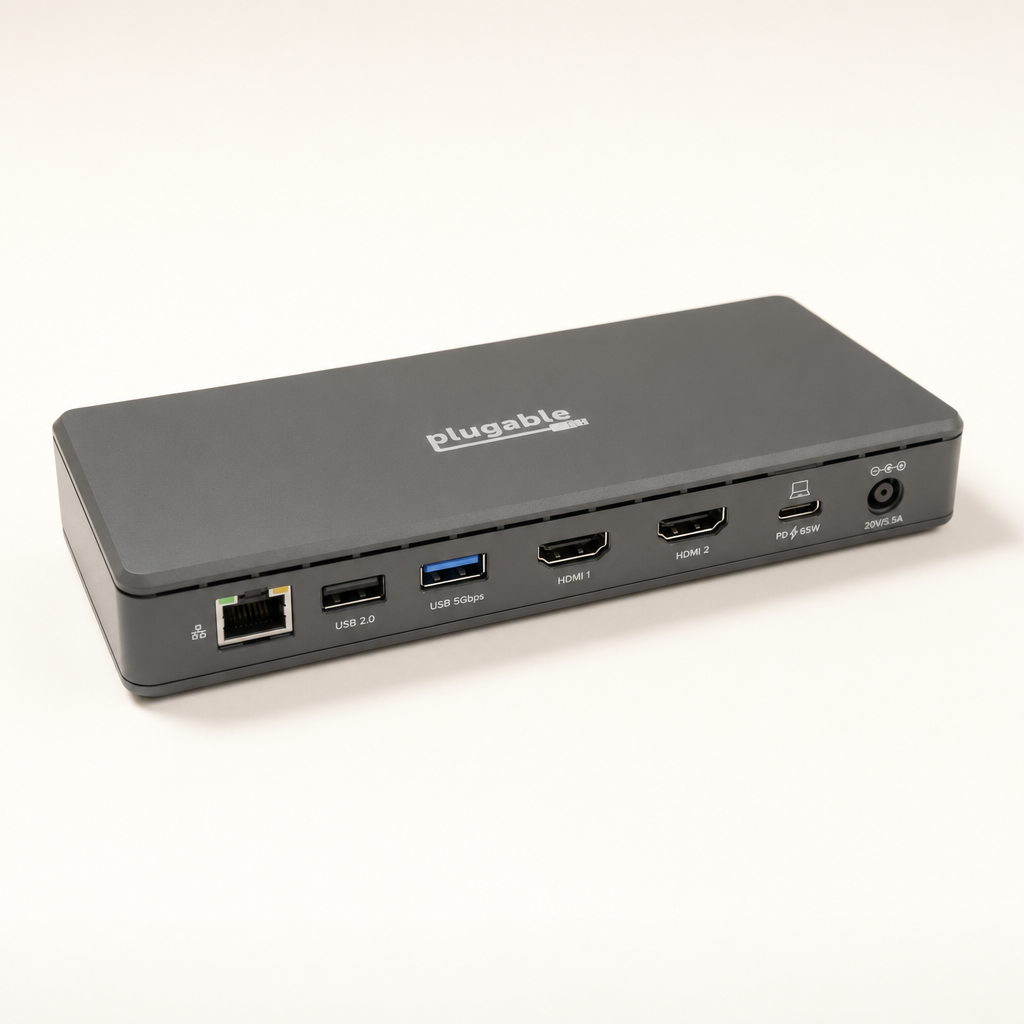
    Plugable Plugable TBT4-UD5 Thunderbolt 4 Dock — USB-C Docking Station

    Plugable

    Plugable TBT4-UD5 Thunderbolt 4 Dock

    Intel's Goshen Ridge TB4 controller delivers 96W certified charging and dual 4K60 for about $200 — the strongest port-for-dollar Thunderbolt dock here, though the chassis is plain plastic.

    The value is in certified TB4 electronics—40Gbps data, 96W charging, dual 4K60, downstream TB4 and broad ports—rather than case luxury. It omits 2.5GbE/HDMI 2.1 to hit an unusually honest price.

    Full review
  6. 06

    $280

    StarTech.com StarTech.com Universal USB4 & Thunderbolt 4 Dock — USB-C Docking Station

    StarTech.com

    StarTech.com Universal USB4 & Thunderbolt 4 Dock

    You pay for multi-monitor flexibility, 98W PD, 2.5GbE and a stable TB4/USB4 implementation rather than a luxury enclosure. The main value warning: qua (Plastic with internal shielding/heatsinks, HDMI 2.1 + DisplayPort 1.4 paths) — $279.81

    You pay for multi-monitor flexibility, 98W PD, 2.5GbE and a stable TB4/USB4 implementation rather than a luxury enclosure. The main value warning: quad 4K depends on host DSC and GPU support.

    Full review
  7. 07

    $120

    Plugable Plugable UD-MSTH2 USB-C Dual HDMI Docking Station — USB-C Docking Station

    Plugable

    BUDGET

    Plugable UD-MSTH2 USB-C Dual HDMI Docking Station

    Driverless MST delivers dual 4K60 and 65W charging for $120 on Windows and ChromeOS. macOS users get mirroring only — the tradeoff behind this dock's lowest price here.

    The money buys a specific, useful capability—dual 4K60 over USB-C MST plus 65W charging—rather than a metal shell or brand tax. It is weak for high-speed storage and macOS dual displays, but for supported Windows/ChromeOS laptops it is the cleanest low-cost desktop dock here.

    Full review